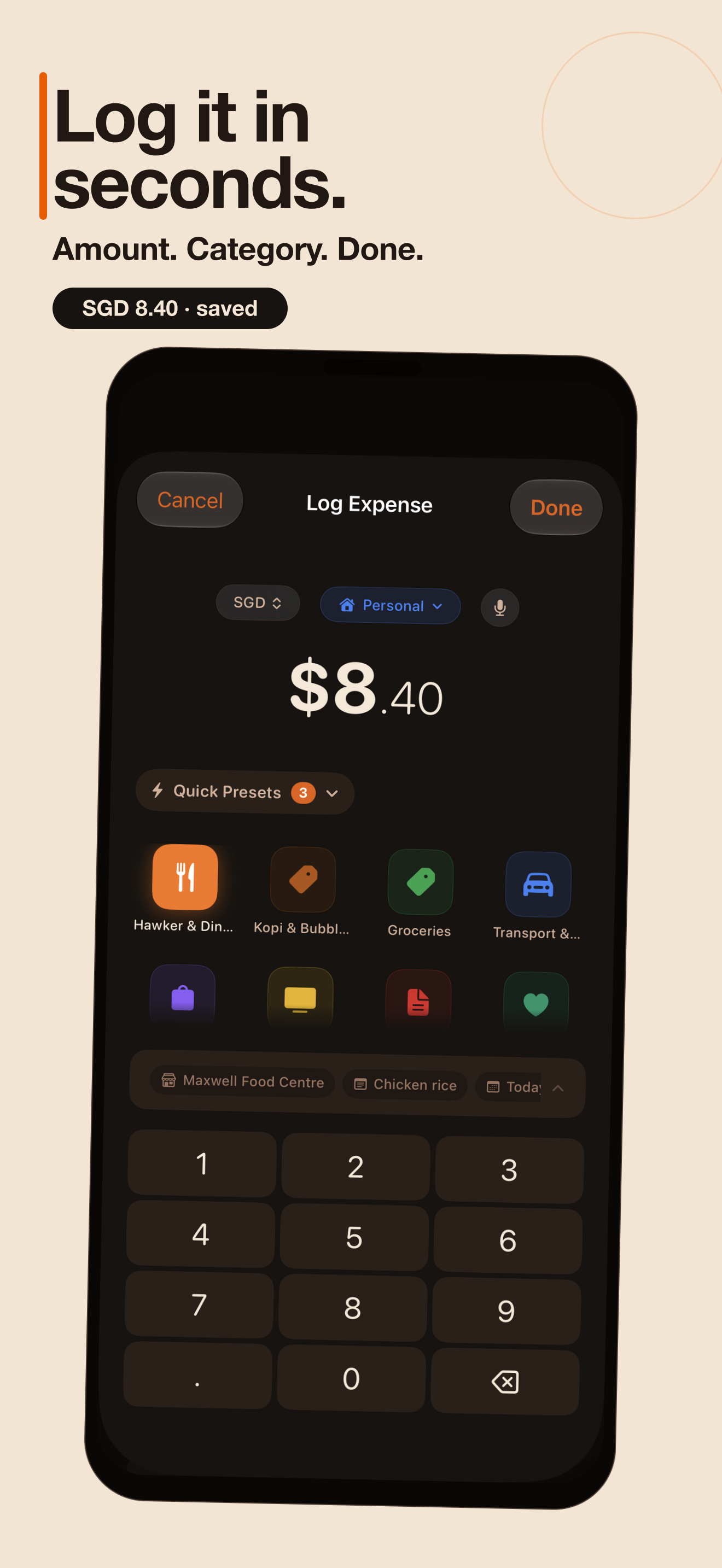
A log takes seconds, from anywhere.
Quick Log presets remember your usual spends. Then pick your fastest route in:
- Home Screen widget
- Siri & Shortcuts
- Back Tap / Action Button
- Control Center (iOS 18+)
- NFC stickers on the fridge, the till, the desk
Screenshot the payment. Daytab reads it.
Screenshot a PayNow, PayLah! or bank confirmation (DBS/POSB, OCBC, UOB) and Daytab pulls the amount, recipient, and date. Singapore merchant names are auto-categorised. Paper receipts scan too. All of it on-device.
Bills that log themselves.
Subscriptions auto-log on their billing day, due reminders come with one-tap actions, and a Shortcuts personal automation can prompt a log after Apple Pay. Daytab can't read your bank; this is the private, on-device way to get close.
Spend in yen. Think in dollars.
Log in any currency and let Travel Mode keep a trip's spending in one place, converted back to your home currency. No spreadsheet math at the airport.
Your year of spending, told back to you.
Spending Wrapped turns the year into a story-style recap: month-by-month heatmap, top category, biggest single spend, quietest month. Every card exports wallpaper-ready. Free.
Private by design, not by toggle.
No account, no sign-up, no tracking. Optional iCloud sync keeps your own devices in step through your private iCloud. Export everything to CSV or PDF anytime. Delete the app and the data is gone. There is no server copy.